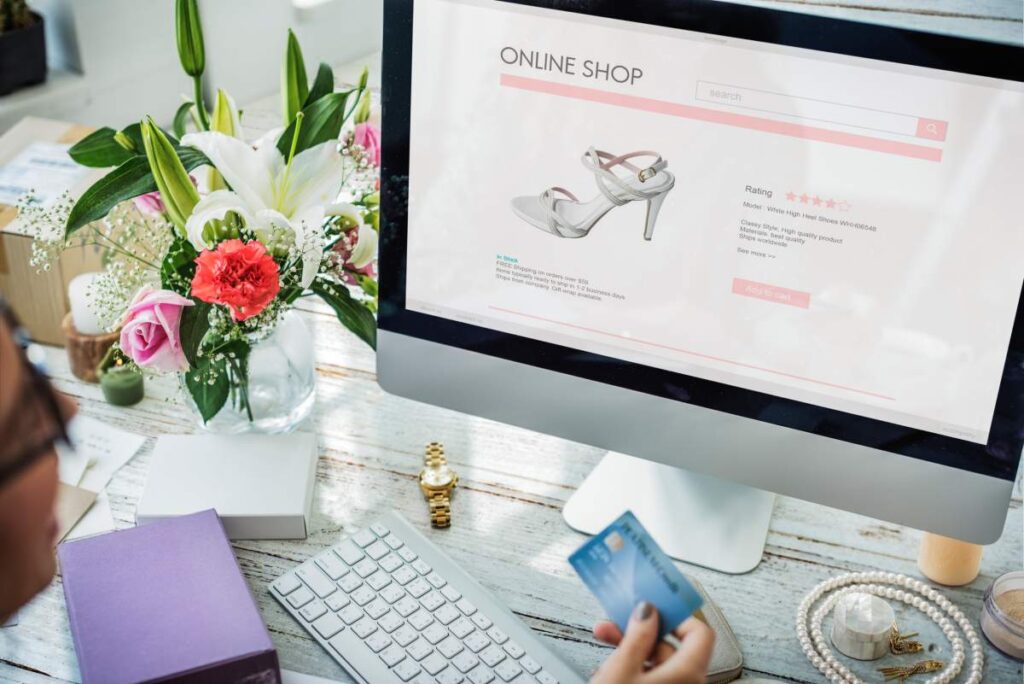
You’ve invested in a website.
Maybe you’ve even spent money on social media marketing, Google Ads, or SEO to bring visitors to it.
People are visiting your website.
But there’s one problem…
They’re not becoming customers.
No inquiries.
No calls.
No sales.
No bookings.
If this sounds familiar, you’re not alone.
One of the most common complaints we hear from business owners is:
“My website gets traffic, but it’s not bringing in business.”
The truth is, getting visitors to your website is only half the battle. What really matters is what happens after they arrive.
Let’s look at five common reasons why websites fail to convert visitors into customers and what you can do to fix them.
1. Your Website Is Confusing Visitors
Have you ever visited a website and immediately felt lost?
Too many menu options.
Too much information.
Too many buttons competing for attention.
When visitors don’t know where to go next, they often leave.
Your website should guide people, not overwhelm them.
Signs This Might Be Happening
- Too many menu items
- Cluttered pages
- Multiple calls-to-action on the same page
- Important information hidden away
- Visitors leaving after viewing only one page
How to Fix It
Keep things simple.
Every page should have one clear goal.
If you’re trying to get visitors to request a quote, make that the main focus.
If you’re trying to get bookings, make the booking button obvious.
A clean, easy-to-navigate website makes it easier for visitors to take action.
2. Visitors Don’t Understand What You Actually Do
This happens more often than you might think.
Many businesses know their industry so well that they unintentionally use language their customers don’t understand.
Visitors land on the homepage and see phrases like:
“Innovative digital solutions for modern enterprises.”
But what does that actually mean?
People shouldn’t have to guess what your business does.
A Better Approach
Within a few seconds of landing on your website, visitors should know:
- What you do
- Who you help
- Why they should choose you
For example:
Instead of:
“Delivering innovative web solutions.”
Try:
“We build professional websites that help Kenyan businesses attract more customers online.”
Simple always wins.
3. Your Website Doesn’t Build Trust
People buy from businesses they trust.
If your website doesn’t look trustworthy, visitors will hesitate before contacting you or making a purchase.
Think about it.
Would you trust a company with:
- No customer reviews?
- No contact information?
- No physical address?
- Poor-quality images?
- An outdated website?
Probably not.
Neither will your customers.
Ways to Build Trust
Add:
- Customer testimonials
- Case studies
- Business contact information
- Google reviews
- Professional photos
- Security certificates (SSL)
Trust signals help visitors feel confident that they’re dealing with a real and reliable business.
4. You’re Making It Too Hard to Contact You
Sometimes businesses accidentally create obstacles for potential customers.
We’ve seen websites that ask visitors to fill out long forms with ten or more fields just to request a quote.
Most people won’t bother.
The more effort required, the more likely visitors are to leave.
Keep It Simple
If someone wants to contact you, make the process quick and easy.
A simple contact form should only ask for:
- Name
- Phone Number (optional)
- Message
That’s it.
The easier you make it for people to reach you, the more inquiries you’ll receive.
5. Your Website Doesn’t Work Well on Mobile Phones
This is a big one.
Most people in Kenya browse the internet using their smartphones.
If your website looks great on a laptop but performs poorly on mobile devices, you’re likely losing a large number of potential customers.
Common mobile issues include:
- Tiny text
- Slow loading pages
- Buttons that are difficult to tap
- Images that don’t fit the screen
- Broken layouts
What You Should Do
Test your website on different devices.
Make sure it:
- Loads quickly
- Is easy to read
- Has clear buttons
- Displays properly on all screen sizes
A mobile-friendly website isn’t a luxury anymore—it’s a necessity.
Bonus Tip: Speed Matters More Than You Think
People are impatient online.
If your website takes too long to load, visitors won’t wait around.
They’ll leave and visit a competitor instead.
A slow website can hurt:
- User experience
- SEO rankings
- Lead generation
- Sales conversions
Simple improvements like image optimization, quality hosting, and proper website maintenance can make a huge difference.
How to Tell If Your Website Has a Conversion Problem
Here are a few warning signs:
✔ Visitors come to your website but rarely contact you
✔ Your bounce rate is very high
✔ People spend very little time on your pages
✔ You get traffic but very few leads
✔ Your competitors seem to be getting more online inquiries
If you recognize these signs, your website may need optimization rather than more traffic.
Final Thoughts
A website should do more than just exist online.
It should help your business grow.
If visitors are landing on your website but not taking action, there’s usually a reason behind it.
Whether it’s confusing navigation, weak messaging, lack of trust, poor mobile experience, or unnecessary barriers, small improvements can make a big difference.
At Domain Tech Hub, we help businesses create websites that are designed not only to look professional but also to convert visitors into real customers.
Is Your Website Costing You Customers?
If you’re getting traffic but not seeing results, it might be time for a website audit.
Contact Domain Tech Hub today and let’s identify what’s stopping your website from converting and how we can fix it.